Designing Digital Experiences Backed by Patterns
Vani Panwar
Designing Digital Experiences Backed by Patterns
Written By - Vanya Goel
Designing Digital Experiences Backed by Patterns
Written By - Vanya Goel
Insights
Insights
UX design changed the way we build products by shifting the focus from "what technology can do?" to "what do people actually need?" The best interfaces don't announce themselves, they fade into the background, letting users focus on their goals rather than decoding how things work.
This starts with putting users at the center. When you understand their behaviors, habits, and mental models, you're not just designing screens, you're designing familiarity. The goal has always been to blur the line between digital and physical worlds with as little friction as possible. That's why early interfaces leaned heavily on real-world metaphors. Desktops had "files," "folders," and "bins." E-commerce borrowed the shopping "cart." These weren't just analogies, they were bridges between the familiar and the unknown.
(Read more about how the desktop metaphor made it easier for people to learn complex computer tasks)
Over time, these metaphors evolved into something deeper: recognizable patterns. A shared language between humans and technology. You don't need instructions to know that the hamburger icon opens a menu, seeing the back button on a screen gives you the confidence to explore without the fear of getting lost.
The main purpose of any product we build is to enable the user to achieve the task at hand easily and patterns help them focus on the ‘what’ rather than worry about the ‘how’. They are learned behaviours that build trust and confidence.
Years of repetition have wired these patterns into our brains so deeply that even small deviations trigger disproportionate frustration. An unexpected gesture, inconsistent navigation, a button that doesn't behave as expected, these aren't minor annoyances. They're breaks in trust.
UX design changed the way we build products by shifting the focus from "what technology can do?" to "what do people actually need?" The best interfaces don't announce themselves, they fade into the background, letting users focus on their goals rather than decoding how things work.
This starts with putting users at the center. When you understand their behaviors, habits, and mental models, you're not just designing screens, you're designing familiarity. The goal has always been to blur the line between digital and physical worlds with as little friction as possible. That's why early interfaces leaned heavily on real-world metaphors. Desktops had "files," "folders," and "bins." E-commerce borrowed the shopping "cart." These weren't just analogies, they were bridges between the familiar and the unknown.
(Read more about how the desktop metaphor made it easier for people to learn complex computer tasks)
Over time, these metaphors evolved into something deeper: recognizable patterns. A shared language between humans and technology. You don't need instructions to know that the hamburger icon opens a menu, seeing the back button on a screen gives you the confidence to explore without the fear of getting lost.
The main purpose of any product we build is to enable the user to achieve the task at hand easily and patterns help them focus on the ‘what’ rather than worry about the ‘how’. They are learned behaviours that build trust and confidence.
Years of repetition have wired these patterns into our brains so deeply that even small deviations trigger disproportionate frustration. An unexpected gesture, inconsistent navigation, a button that doesn't behave as expected, these aren't minor annoyances. They're breaks in trust.
How Patterns Evolve
How Patterns Evolve
Patterns don't appear out of nowhere. They're shaped by technology, human behavior, and the constant negotiation between the two. When phones traded physical buttons for touchscreens, entirely new interaction patterns emerged. Swiping, pinch-to-zoom, pull-to-refresh - actions that once felt novel are now muscle memory.
Our behaviors accelerate this evolution. The human appetite for endless content gave us infinite scroll instead of pagination. Our aversion to repetitive, mundane tasks led to autocomplete, predictive text, and recommendation engines. Voice interfaces and conversational UIs exist because speech feels more natural than typing commands. Each shift reflects the intersection of what technology makes possible and what humans find intuitive.
As these interactions prove useful, they solidify into patterns. They stop feeling like design decisions and start feeling like common sense. A swipe feels more natural than a button in certain contexts. Bottom navigation feels "right" on mobile even though no one explicitly taught us that it should. This is the lifecycle of patterns - innovation becomes convention becomes expectation.
Patterns don't appear out of nowhere. They're shaped by technology, human behavior, and the constant negotiation between the two. When phones traded physical buttons for touchscreens, entirely new interaction patterns emerged. Swiping, pinch-to-zoom, pull-to-refresh - actions that once felt novel are now muscle memory.
Our behaviors accelerate this evolution. The human appetite for endless content gave us infinite scroll instead of pagination. Our aversion to repetitive, mundane tasks led to autocomplete, predictive text, and recommendation engines. Voice interfaces and conversational UIs exist because speech feels more natural than typing commands. Each shift reflects the intersection of what technology makes possible and what humans find intuitive.
As these interactions prove useful, they solidify into patterns. They stop feeling like design decisions and start feeling like common sense. A swipe feels more natural than a button in certain contexts. Bottom navigation feels "right" on mobile even though no one explicitly taught us that it should. This is the lifecycle of patterns - innovation becomes convention becomes expectation.

Some Core Patterns We Rely On
Navigation
Anywhere in the digital experience, elements that answer the fundamental questions: ‘Where am I?’, ‘What do I do?’ and ‘How can I go back?’ drive the user’s journey in what might otherwise become a maze of screens. Clear calls-to-action, contextual headers, back buttons are some evident examples of this.
Feedback Patterns
System visibility markers such as progress bars, loading spinners, status messages communicate what's happening beneath the surface. They reassure users that the system is working, that their action is registered. However, feedback without context can backfire. An error message is just frustration unless it offers a clear path to recovery.
Content Patterns
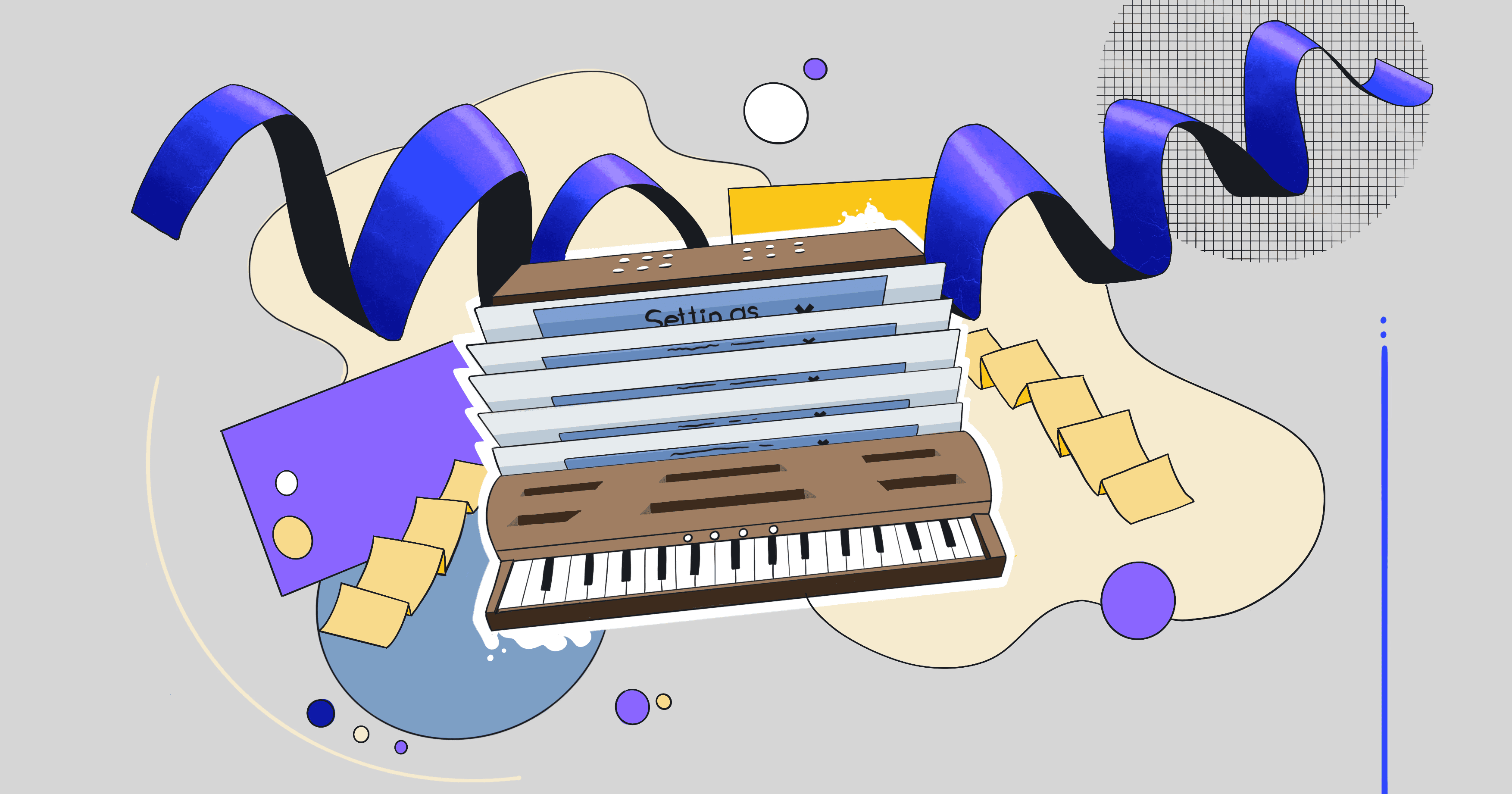
There are countless ways to display information, but certain formats have emerged as standards for good reason. Important, comparable content lives in cards. Scannable information appears as lists. Accordions enable progressive disclosure by hiding details until they're needed. Tabs group related content. Each pattern serves a specific cognitive purpose and helps users with what they need to achieve.
Search Patterns
Modern search doesn't wait for users to finish typing. Autocomplete suggestions, recent searches, smart filters - these patterns anticipate intent and gently guide users toward what they're looking for. A search bar in the expected location eliminates one small moment of uncertainty and those moments add up.
Navigation
Anywhere in the digital experience, elements that answer the fundamental questions: ‘Where am I?’, ‘What do I do?’ and ‘How can I go back?’ drive the user’s journey in what might otherwise become a maze of screens. Clear calls-to-action, contextual headers, back buttons are some evident examples of this.
Feedback Patterns
System visibility markers such as progress bars, loading spinners, status messages communicate what's happening beneath the surface. They reassure users that the system is working, that their action is registered. However, feedback without context can backfire. An error message is just frustration unless it offers a clear path to recovery.
Content Patterns
There are countless ways to display information, but certain formats have emerged as standards for good reason. Important, comparable content lives in cards. Scannable information appears as lists. Accordions enable progressive disclosure by hiding details until they're needed. Tabs group related content. Each pattern serves a specific cognitive purpose and helps users with what they need to achieve.
Search Patterns
Modern search doesn't wait for users to finish typing. Autocomplete suggestions, recent searches, smart filters - these patterns anticipate intent and gently guide users toward what they're looking for. A search bar in the expected location eliminates one small moment of uncertainty and those moments add up.
How We Build on Patterns at Kwazi
It’s easy to mistake patterns for creative constraints. We think of them as a foundation strong enough to support meaningful innovation where it actually matters.
Patterns are living systems, shaped by hardware, context, culture, and human behavior. Understanding how they evolve and why they work is essential to designing experiences that feel natural to use.
This philosophy informs the REDID approach at Kwazi.
Research, Define, Ideate, Design is built on a simple principle: respect what users already know while solving what they actually need.
A crucial step in every project is digging deep into user insights. By studying mental models, browsing behaviors, and established benchmarks, we identify which patterns deserve respect and how these can be used to leverage the user’s experience.
The objective is always to create interfaces that go beyond visual appeal and feel intuitive from the very first interaction. Solutions that not only look good, but also move key metrics and earn the user’s trust.
Because great UX rarely announces itself.
It simply feels right.
It’s easy to mistake patterns for creative constraints. We think of them as a foundation strong enough to support meaningful innovation where it actually matters.
Patterns are living systems, shaped by hardware, context, culture, and human behavior. Understanding how they evolve and why they work is essential to designing experiences that feel natural to use.
This philosophy informs the REDID approach at Kwazi.
Research, Define, Ideate, Design is built on a simple principle: respect what users already know while solving what they actually need.
A crucial step in every project is digging deep into user insights. By studying mental models, browsing behaviors, and established benchmarks, we identify which patterns deserve respect and how these can be used to leverage the user’s experience.
The objective is always to create interfaces that go beyond visual appeal and feel intuitive from the very first interaction. Solutions that not only look good, but also move key metrics and earn the user’s trust.
Because great UX rarely announces itself.
It simply feels right.